
On a Polylang multilingual site, Elevated Product Search’s fixed labels follow each visitor’s language automatically (Spanish ships in the box; add other languages with Loco Translate). The text you type yourself is registered with Polylang automatically, so you translate it under Languages › Translations in the Elevated Product Search group.
Elevated Product Search registers the text you type with Polylang when you save your settings: your saved settings, one entry per label. No setup is needed beyond having Polylang active with your languages configured.
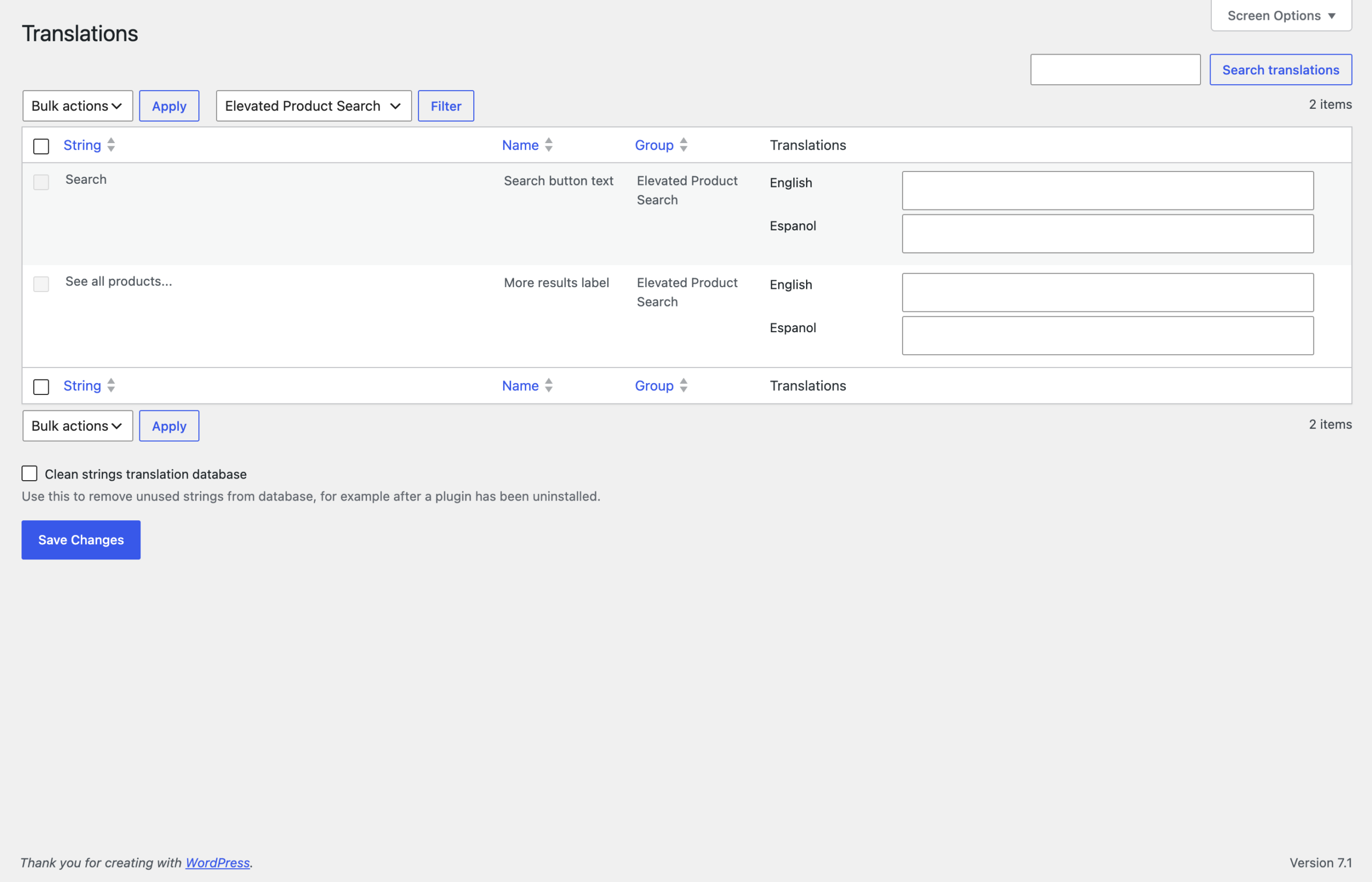
A string is missing from the list. Strings register when they are saved. Re-save your settings and the entry appears.
The translation does not show on the storefront. Check that the page is being served in the expected language; Polylang decides the language from the URL.


